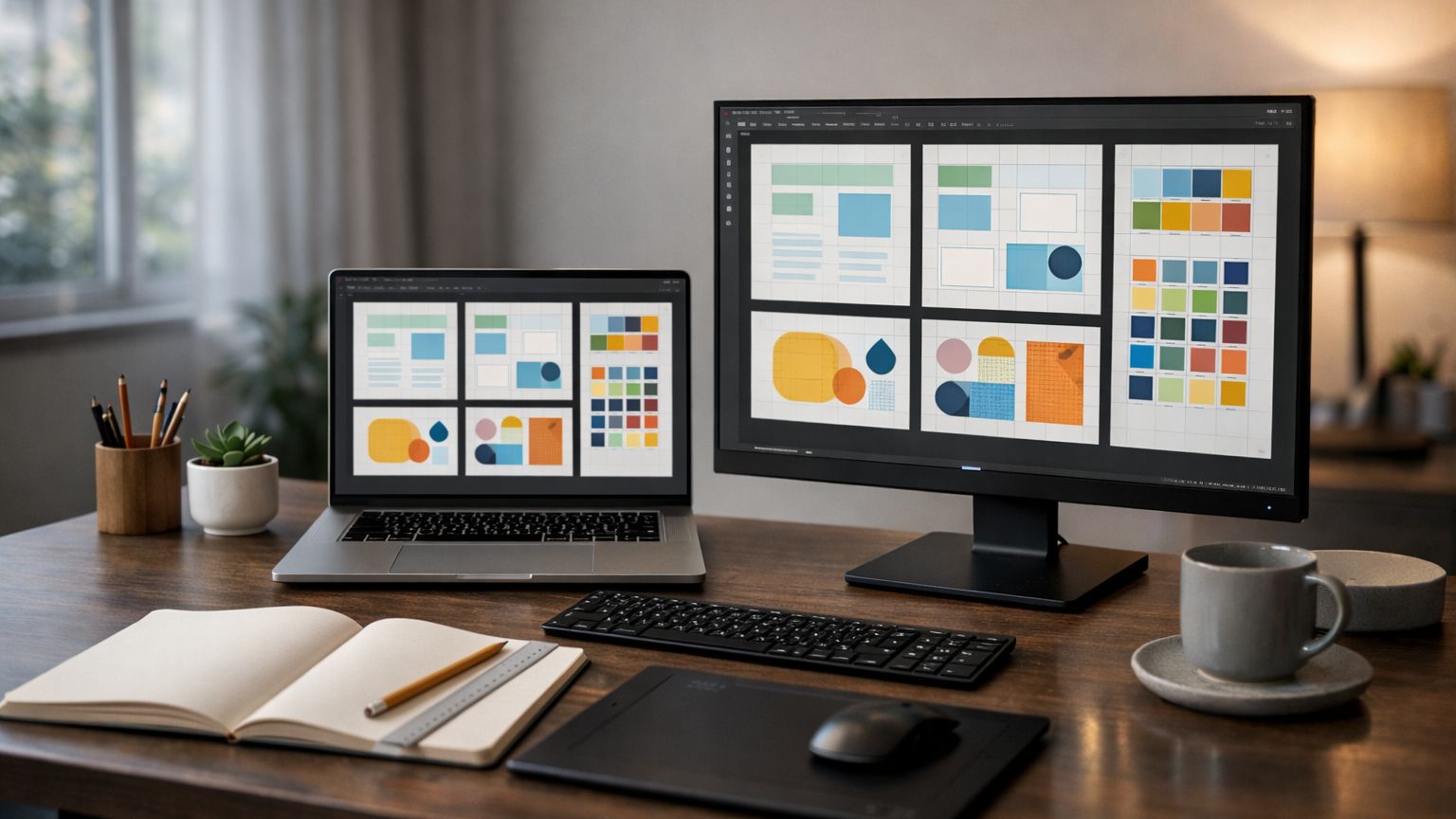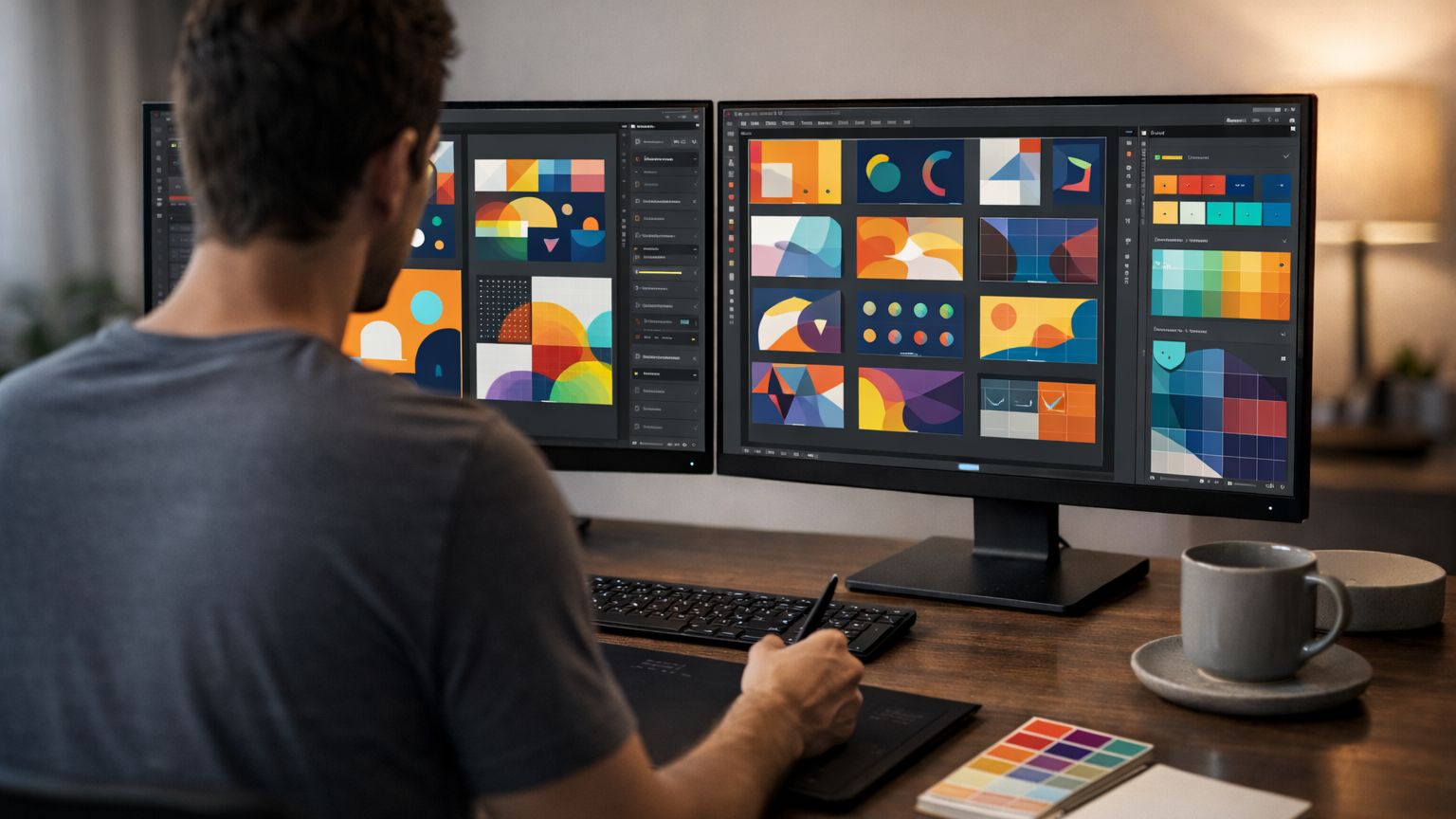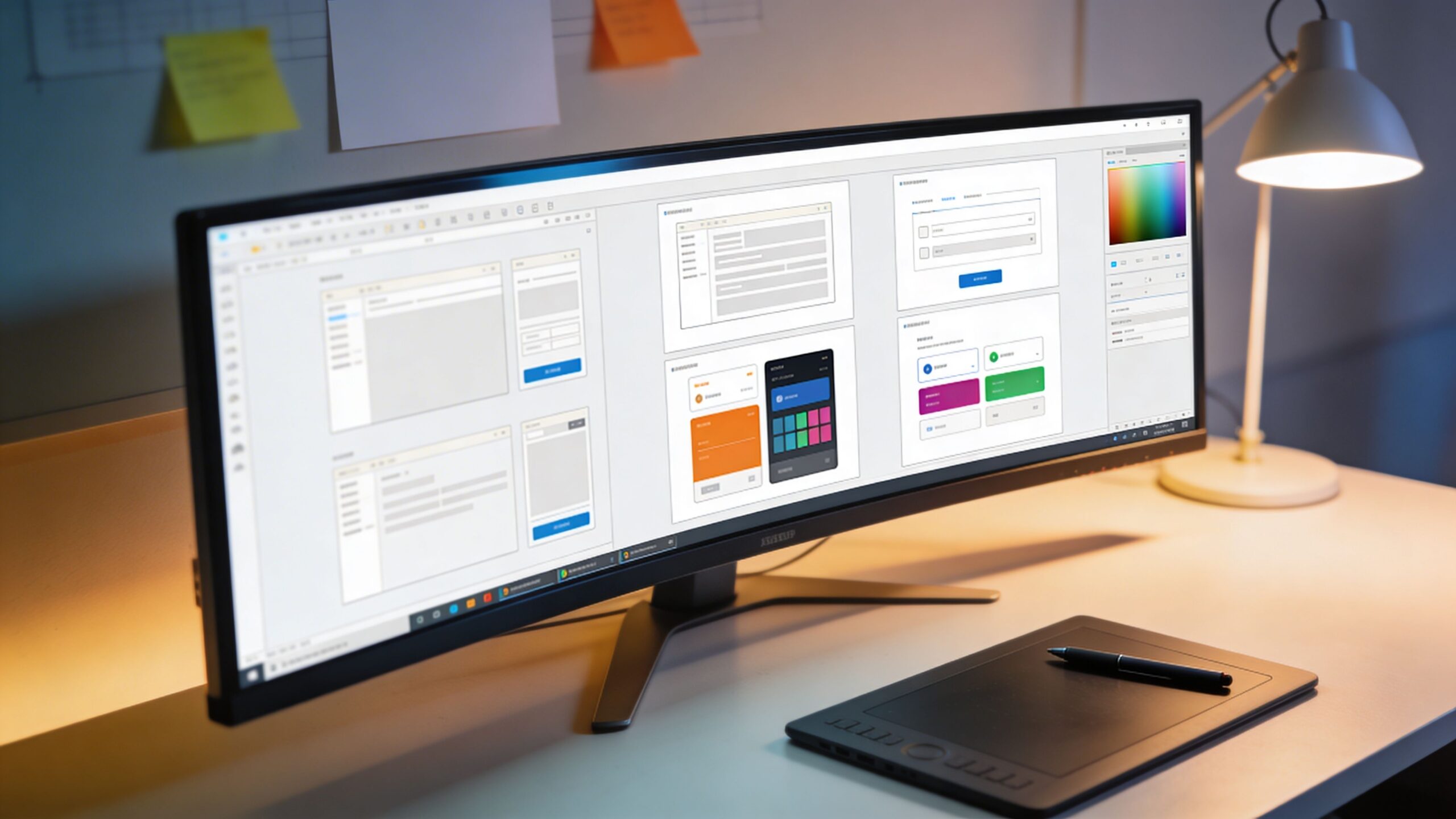
UI/UX design is one of those modern careers that sounds mysterious until you realize you experience it constantly. Every time you open an app and instantly know where to tap, that’s design working. Every time you abandon a website because it feels confusing, that’s design failing. UI and UX shape the invisible “feel” of digital life, guiding people through tasks with clarity, confidence, and sometimes even delight. In 2026, when nearly every business competes through screens, UI/UX design is no longer a niche specialty. It is a core skill that influences sales, trust, accessibility, and brand loyalty. This guide explains UI/UX design in plain English, breaks down the difference between UI and UX, and gives you a realistic, step-by-step starting path. If you’re brand new, you’ll leave with a clear mental map. If you’ve dabbled before, you’ll gain structure and direction you can actually follow.
A: No, but basic HTML/CSS helps you design realistically.
A: Start with UX thinking, then build UI skills on top.
A: Figma is a popular starting point for beginners.
A: You can create your first case study in a few weeks with consistent practice.
A: One strong case study with your process and a clickable prototype.
A: Entry-level is competitive, but strong portfolios still stand out.
A: Interview a few users and run small usability tests on prototypes.
A: Wireframes show structure; mockups show the final visual design.
A: No—skills, projects, and clear thinking matter most.
A: Build small projects, get feedback, and iterate repeatedly.
What UI and UX Mean in the Real World
UI stands for user interface. It’s the visual layer: buttons, typography, spacing, icons, colors, states, and layouts. UI is what you see and touch. UX stands for user experience. It’s the journey: what the user is trying to do, how easily they can do it, how they feel while doing it, and what happens when something goes wrong. UX is not just how it looks; it’s how it works.
A simple way to remember the relationship is this: UX is the plan for the experience, UI is the presentation of that plan. UX decides the structure and flow, UI makes that flow understandable and appealing. In good products, they are inseparable. UI without UX is decoration. UX without UI is an unbuilt blueprint. Together, they turn complexity into something people can use without thinking about it.
Why UI/UX Design Matters More Than Ever in 2026
The biggest reason UI/UX has exploded is that attention has become expensive. People do not “figure it out” anymore. They leave. Users compare your product to the best experience they’ve had recently, not to your competitors. That means your checkout is compared to the smoothest checkout, your onboarding is compared to the simplest onboarding, and your settings page is compared to the clearest settings page. UI/UX also controls trust. A clean, accessible interface signals competence, safety, and professionalism. A cluttered or confusing design triggers doubt, even if the underlying product is strong. And with AI features now common in apps, design has to handle uncertainty, explain results, and give people control. The best UI/UX in 2026 isn’t just “pretty.” It is calm, predictable, inclusive, and transparent.
UI vs UX: The Difference Most Beginners Miss
Beginners often believe UX is wireframes and UI is the “final pretty screens.” That’s partially true, but it misses the deeper point. UX is decision-making under constraints. It’s choosing which information matters first, what the user’s goal really is, what steps are necessary, and what friction is acceptable. UX is also designing for edge cases, errors, and different human abilities.
UI is the language that turns those decisions into something users can understand in seconds. A button isn’t just a rectangle. It’s a promise: “If you click here, something will happen.” The way it looks, the size, the contrast, the spacing around it, and the words inside it all shape whether users believe that promise.
When you design UI/UX well, the interface almost disappears. People feel capable. They move through tasks smoothly. They don’t think about the design, which is the highest compliment.
The Core Responsibilities of a UX Designer
UX designers focus on the problem behind the screen. They ask what the user is trying to accomplish, what is stopping them, and what success looks like. They map flows, define information architecture, and decide what belongs on each screen. They explore different solutions before committing to one, and they validate ideas through research, testing, and iteration.
UX design includes the “boring” details that are actually where products win or lose. What happens if someone forgets a password? What if their internet drops mid-checkout? What if they don’t understand a term? What if they’re using one hand, or they’re colorblind, or they’re stressed, or they’re new? UX is designing for humans as they are, not as we wish they were.
The Core Responsibilities of a UI Designer
UI designers translate structure into a visual system that feels consistent, modern, and easy to scan. They define typography scales, spacing rules, grids, button styles, icon usage, and component states. They manage color with purpose, ensuring contrast, hierarchy, and emotional tone. UI designers also build design systems so products can scale without turning into a patchwork of mismatched screens. In 2026, UI design often includes micro-interactions and motion principles. A subtle animation can clarify what just happened, where something moved, or why a button is disabled. UI design is communication. Done well, it reduces questions and prevents mistakes.
The UI/UX Workflow: How a Product Gets Designed
Most UI/UX work follows a repeatable cycle. It starts with understanding the problem and the user. Then the designer sketches solutions and turns them into wireframes. Wireframes become prototypes that can be clicked and tested. Feedback turns into revisions. Visual design is applied, systems are defined, and the work is handed off to developers with clear specifications.
In real teams, the process is rarely linear. You might prototype before research to learn what questions matter. You might refine UI while still adjusting the UX flow. The key is iteration. UI/UX is not a one-and-done deliverable. It is a living set of decisions that improve as you learn.
The Skills You Need to Start UI/UX Design
You do not need to be “artistic” to start, but you do need to be observant and willing to practice. The most important beginner skill is learning to see design as problem-solving. You’ll want to develop comfort with layout, spacing, typography, and hierarchy because those are the tools that make screens readable.
Equally important is thinking in flows, not screens. Beginners often obsess over making one screen beautiful. Professionals design how a user moves across many screens with minimal confusion. The faster you start thinking in journeys, the faster you’ll improve.
Communication is also a skill. UI/UX designers explain trade-offs, justify decisions, and incorporate feedback without losing clarity. You’re building bridges between users, stakeholders, and developers.
The Best Tools for UI/UX Beginners in 2026
If you’re starting today, the safest, most beginner-friendly path is to learn a modern design tool used by teams. Figma remains a common entry point because it supports interface design, prototyping, and collaboration in one place. It helps you think in components and systems, which is exactly how modern products are built.
You may also explore tools for whiteboarding, research organization, and prototyping, but you don’t need ten apps to begin. What matters most is learning one primary design tool well enough to create clean wireframes, reusable components, and clickable prototypes.
The Step-by-Step Path to Get Started
The easiest way to start UI/UX is to stop “studying design” and start designing, even if the first attempts are rough. Begin with common screens: login, onboarding, product list, product details, checkout, account settings. These screens exist across industries for a reason. They teach you patterns and forces you to think about user goals.
Pick one product you already use and redesign a small feature. Not the entire app. One flow. For example, redesign the “change delivery address” flow, or improve the “filter search results” experience. Keep your scope small so you can finish.
As you create, practice explaining your choices. Why did you place the primary button there? Why is that label written that way? Why is that step necessary? This habit turns you from someone who decorates screens into someone who designs experiences.
What a Beginner UI/UX Portfolio Should Include
A strong beginner portfolio is not a gallery of pretty screens. It is proof you can think. The most effective portfolio pieces show your process: the problem, the user goal, your approach, the iterations you explored, and the final result. A case study that explains your decisions clearly can beat a flashy design with no story behind it.
In 2026, hiring managers want evidence that you can communicate, handle constraints, and design for real-world use. That means including flows, wireframes, prototypes, and a clear before-and-after narrative. Your portfolio should make it obvious what you contributed and why your design improves the experience.
Common Beginner Mistakes and How to Avoid Them
Many beginners design for themselves, not for users. They create clever layouts that feel confusing to someone new. The cure is testing. Even informal feedback from a few people can reveal what’s unclear.
Another mistake is ignoring accessibility. If text contrast is too low or touch targets are too small, the design may look sleek but fail in real life. Accessibility is not optional. It’s good design.
Beginners also often skip the “states” of the interface. Buttons need hover, pressed, disabled, loading. Forms need error states and success confirmation. The details are not extras; they are the experience.
Where UI/UX Designers Work and What They Actually Do All Day
UI/UX designers work in startups, agencies, tech companies, healthcare, finance, education, and nearly every industry moving services online. Daily work often includes reviewing metrics, discussing priorities with stakeholders, collaborating with developers, building prototypes, refining flows, and documenting design decisions.
A big part of the job is alignment. You make sure everyone understands what is being built and why. You advocate for users, but you also respect constraints like engineering time, business goals, and deadlines. Great UI/UX designers are not just skilled in tools; they are skilled in decision-making.
The Fastest Way to Improve Your UI/UX Skills
The fastest growth comes from repetition with feedback. Design the same type of screen multiple times for different industries. Build a checkout for a store, then one for course enrollment, then one for booking an appointment. You’ll learn patterns, and you’ll learn where patterns break. Then, compare your work to strong products. Not to copy, but to learn. Ask why their spacing feels calmer, why their buttons feel clearer, why their error messages feel human. Improvement is often not about adding complexity. It’s about removing confusion.
Final Thoughts: UI/UX as a Skill That Pays Back
UI/UX design is a rare blend of creativity and structure. It rewards people who enjoy solving puzzles, noticing friction, and making systems easier to use. In 2026, UI/UX is also a practical skill because it maps directly to business outcomes: conversion, retention, satisfaction, trust.
If you’re getting started, your goal is not perfection. Your goal is momentum. Choose one tool, complete one small project, write one clear case study, and repeat. UI/UX design is learned the same way it’s practiced: one iteration at a time.
Applying This In Real Learning
The next layer for UI and UX design is practical use. For a beginner learning how interface choices affect usability, trust, and task completion, the concept becomes valuable only when it changes a choice, routine, lesson, or review habit. A stronger learning experience does not stop after defining the topic. It shows what the learner should notice, gives a concrete action to try, and makes progress visible enough that the next adjustment is clear.
A useful application is observing a user, identifying friction, simplifying a screen, and testing the revised flow. That kind of step keeps the topic connected to behavior instead of leaving it as background information. Learners benefit when they can see what to do first, what to check afterward, and how the result connects to the larger goal. Educators and course designers benefit too, because the activity gives them evidence they can use during revision.
This approach fits websites, apps, learning platforms, dashboards, and product onboarding. The details may change by audience, but the standard is consistent: the lesson needs a goal, a model, a chance to practice, and a way to review whether the learner can use the idea again. Without those pieces, even a well-written explanation can remain too thin to support real learning.
Making The Takeaway Stronger
The main issue to avoid is focusing on visual style before understanding the user task. That issue can make an article or lesson sound complete while leaving the learner without a usable next step. A stronger takeaway connects the idea to recall, judgment, performance, or confidence. It helps the learner understand not only what the topic means, but when to use it and how to tell whether it worked.
Good review looks for transfer. Can the learner explain the idea in plain language? Can they apply it in a different example? Can they choose a better action because of it? Can they recognize a mistake sooner? Those checks give the topic more substance and make the learning experience feel grounded rather than decorative.
The best final version gives readers enough context to trust the idea, enough structure to try it, and enough caution to avoid common mistakes. That combination is what moves the article closer to a complete learning resource instead of a short overview.