
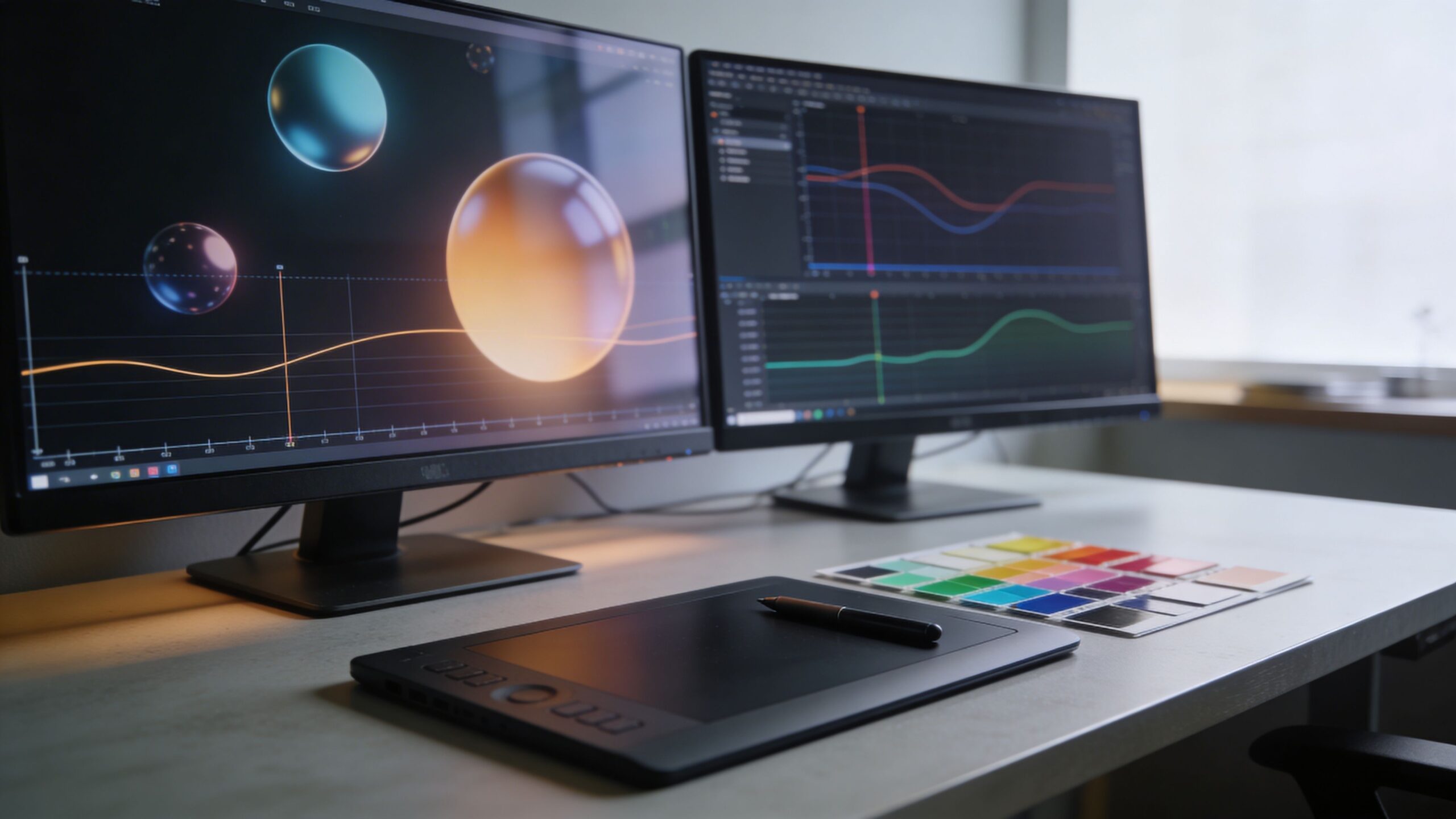
Animation and motion design are where ideas start to move. On eLearning Street, this is the space where static lessons transform into living experiences—concepts unfold, processes flow, and abstract ideas become visible in seconds. Motion captures attention, guides focus, and turns complex topics into intuitive visual stories. Whether you’re designing explainer videos, animated infographics, scenario-based training, or interactive micro-lessons, the right motion strategy adds clarity instead of distraction. This sub-category brings together practical techniques, creative workflows, and instructional best practices to help you animate with purpose. You’ll explore storyboarding methods, timing principles, visual hierarchy, transitions, character movement, and kinetic typography strategies tailored specifically for learning environments. Great motion design isn’t about flashy effects—it’s about pacing, emphasis, and emotional rhythm that reinforce understanding. Browse the articles here to discover how thoughtful animation can simplify difficult material, elevate engagement, and give your courses a polished, professional edge from the very first frame.
A: No—use it when motion improves clarity or engagement.
A: Keep segments short and focused on one objective.
A: Yes—prioritize clarity over visual flair.
A: Plan your storyboard before opening animation software.
A: Basic timeline tools can produce effective motion.
A: Map keyframes to script beats during planning.
A: Standard video frame rates provide smooth playback.
A: Avoid rapid flashing and provide reduced-motion options.
A: Yes, but keep movement subtle and purposeful.
A: Clear objectives, thoughtful pacing, and intentional storytelling.