
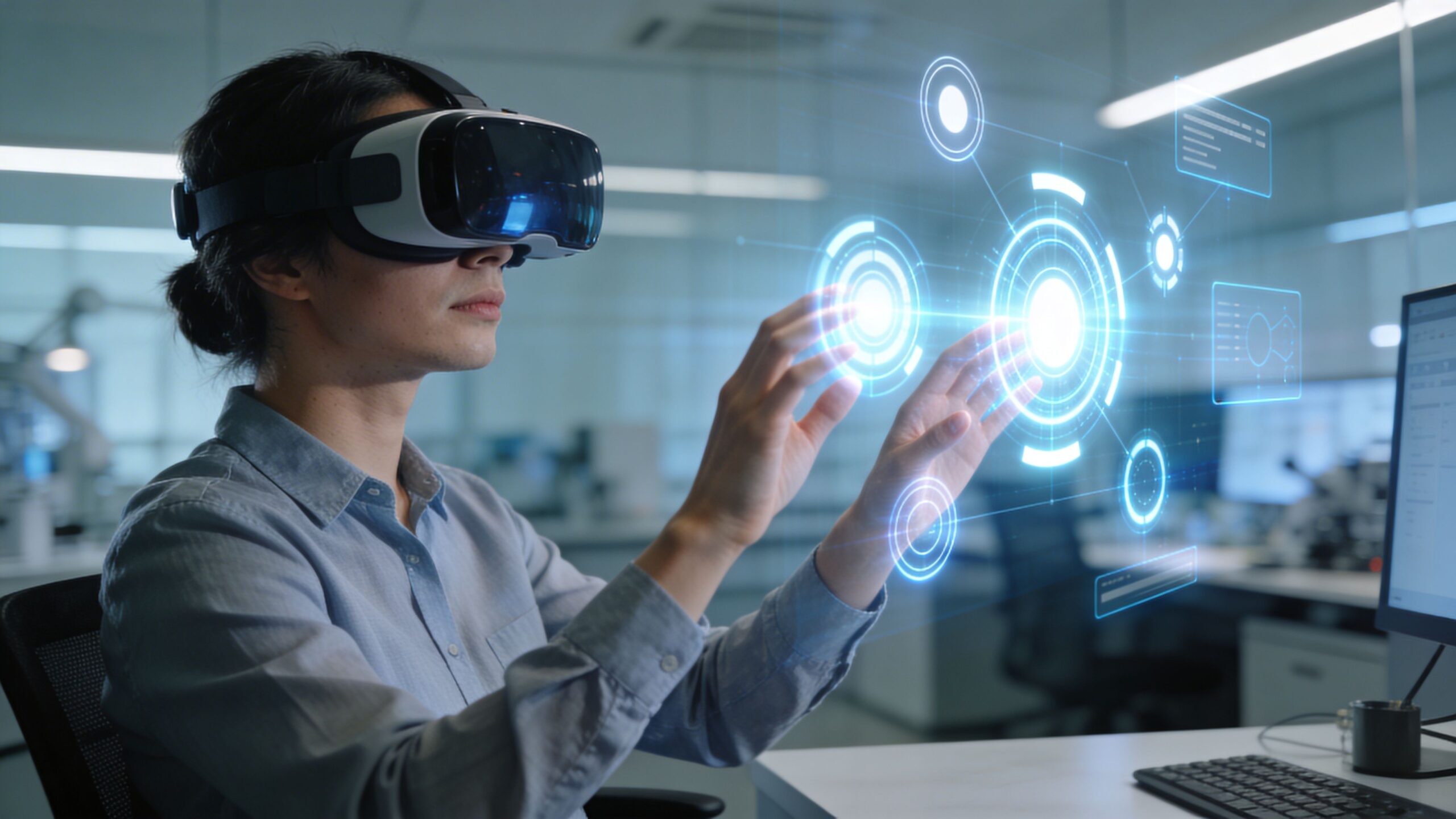
Simulation and VR environments are the closest thing to “learning by doing” without real-world risk. In eLearning Street, this is where training becomes immersive—where learners can step inside a procedure, practice decisions under pressure, and repeat critical tasks until confidence feels automatic. VR turns complex skills into lived experiences: operating equipment, handling customer interactions, navigating safety scenarios, or rehearsing high-stakes moments in a controlled world. The magic isn’t just realism—it’s feedback. Simulations can show consequences, measure performance, and guide improvement with each attempt, creating a practice loop that traditional courses struggle to match. This sub-category gathers articles on scenario design, environment building, interaction models, branching choices, and assessment strategies made for immersive learning. You’ll explore how to balance accuracy with usability, design motion-friendly experiences, and keep learners focused on outcomes instead of novelty. Whether you’re building a simple desktop simulation or a fully embodied VR lab, these resources help you create environments that teach skills that transfer.
A: They complement them—use simulations for practice and decision-making.
A: Clear goals, meaningful choices, and feedback that guides improvement.
A: Comfort-first design and short sessions reduce risk for most learners.
A: Real enough to support the task—clarity matters more than detail.
A: Yes—many skills train well through interactive scenarios on-screen.
A: Track accuracy, decision quality, and consistency across repeated runs.
A: Failure is part of learning—review feedback and try again.
A: Short, focused runs with breaks usually work best.
A: No—soft skills like communication and leadership can be simulated too.
A: Complete a debrief: what happened, why, and what you’ll do differently.