
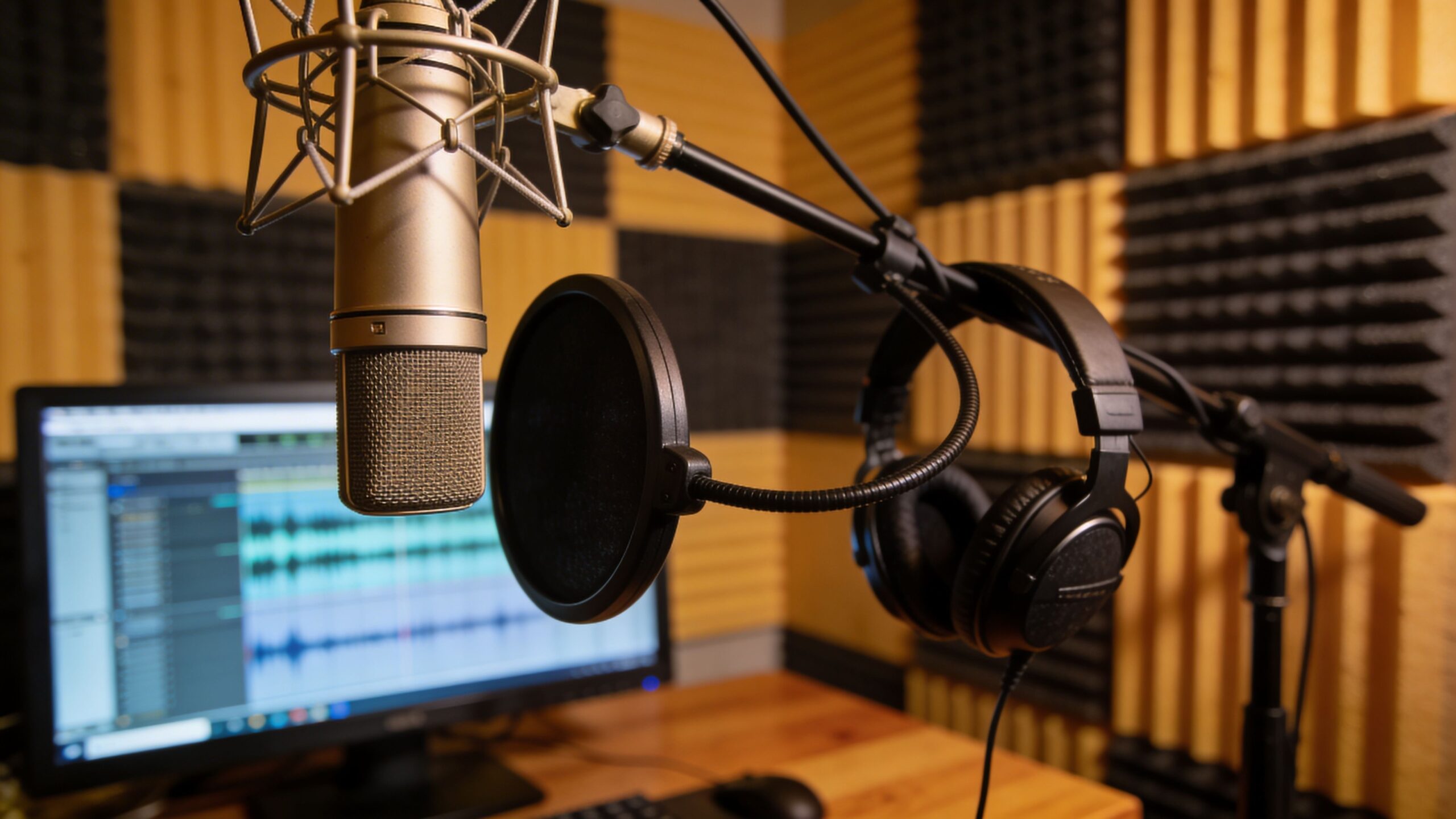
Audio is the invisible layer that shapes how learning feels. On eLearning Street, Audio & Voice Resources is where clarity, tone, and rhythm come together to support understanding. A well-recorded voice can guide attention, reduce cognitive load, and make complex ideas feel approachable. The right background sound can reinforce emotion without distraction. Silence, used intentionally, can highlight what matters most. This sub-category gathers practical tools and strategies for narration, voiceover scripting, microphone setup, sound editing, pacing, and accessibility. You’ll explore how to match tone to topic, avoid monotony, improve articulation, and balance music and effects so they enhance rather than compete. Whether you’re building short micro-lessons, long-form modules, scenario-driven training, or immersive experiences, strong audio design adds polish and professionalism that learners notice instantly. Browse the articles here to refine your recording workflow, improve vocal delivery, and design soundscapes that support focus, comprehension, and retention from the first word to the final takeaway.
A: No—a quiet, treated space can produce excellent results.
A: Keep them short and aligned to one objective.
A: Only if it supports focus and doesn’t distract.
A: A quality condenser or dynamic mic suited to your space.
A: Use soft surfaces or acoustic treatment in the room.
A: Recording captures tones we don’t hear internally.
A: Yes—cleaning audio improves clarity and professionalism.
A: Practice pacing and vary inflection naturally.
A: Yes—they improve accessibility and comprehension.
A: Slow down slightly and articulate clearly.