
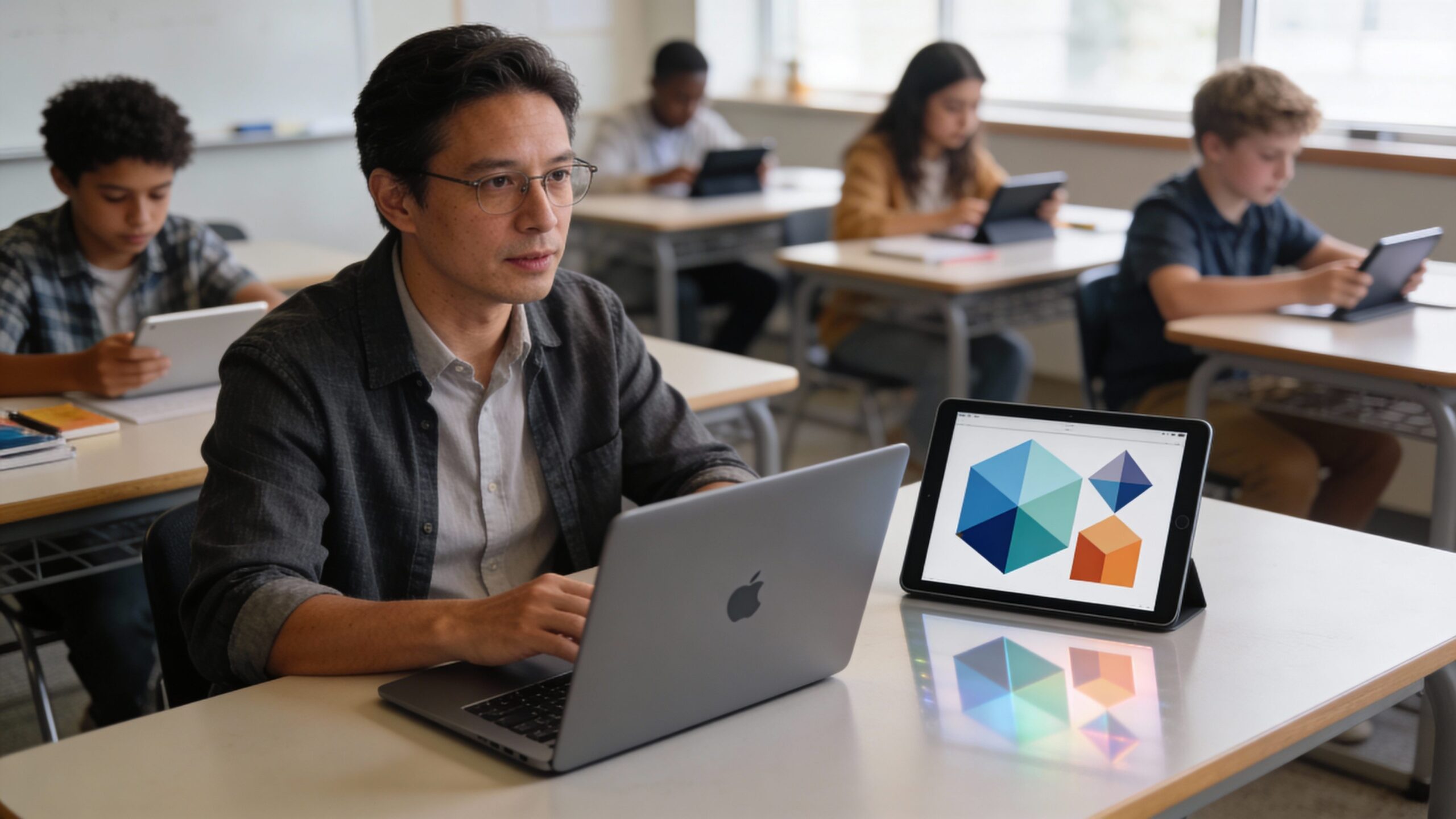
Digital Classroom Management is the art of keeping learning smooth when screens, platforms, and notifications are part of the room. It’s not about policing devices—it’s about designing routines that protect focus, encourage participation, and make technology feel like a helpful assistant instead of a distraction generator. In this hub, you’ll explore the strategies that keep digital learning calm and productive: clear expectations for online behavior, simple workflows for turning in work, smart ways to launch activities, and quick systems for getting help without derailing the lesson. You’ll also dive into hybrid and remote dynamics—how to balance chat, video, and collaboration tools so every learner has a voice, and how to build trust when you can’t always see every screen. From attention-friendly lesson pacing and digital citizenship to privacy-aware monitoring and family communication, digital classroom management turns chaos into clarity. Whether you’re teaching in-person with devices, fully online, or blended, these articles help you build a classroom culture where technology supports learning—and learners stay in control.
A: The routines and norms that keep learning focused when technology is part of class.
A: To reduce distractions and help everyone stay on the same learning task.
A: Use the class help system—check the directions, ask a peer, then post in the question queue.
A: To keep discussion respectful and make sure messages support learning.
A: Close extra tabs, follow the checklist, and use short breaks when needed.
A: Many classes provide offline options or flexible submission windows—ask for the backup plan.
A: Sometimes—good programs are transparent and use monitoring only for safety and learning support.
A: Clear roles, shared documents, and check-ins keep collaboration smooth.
A: It reduces confusion and keeps materials, assignments, and feedback in one place.
A: Follow routines, communicate respectfully, and take ownership of focus and deadlines.

The Ultimate Guide to Managing a Digital Classroom Effectively
Discover how to take full control of your digital classroom with smart strategies, powerful tools, and modern teaching techniques. This ultimate guide shows you how to boost engagement, manage behavior, and create a focused, productive learning environment—whether you’re teaching online, hybrid, or tech-enhanced in-person classes.

Digital Classroom Management Strategies That Actually Work in 2026
Step into 2026 with smarter digital classroom strategies that actually work. Learn how to boost engagement, manage behavior, and create a seamless learning environment using modern tools, psychology, and proven systems designed for today’s tech-driven classrooms.