Why LMS Features Matter More Than Ever
A learning management system is no longer just a place to post homework and record grades. In today’s classrooms, an LMS can be the engine that keeps teaching organized, learning visible, and student support more personalized than ever before. When used well, it helps teachers save time, communicate clearly, monitor progress, and create more meaningful learning experiences. It can turn a scattered digital classroom into a structured, supportive environment where students know what to do, where to find it, and how to move forward. That matters because student success rarely depends on content alone. Students thrive when expectations are clear, feedback is timely, lessons are accessible, and progress feels achievable. The best LMS features help teachers deliver exactly that. They reduce confusion, improve consistency, and create opportunities for stronger engagement. Instead of spending energy tracking missing assignments across multiple tools or answering the same questions again and again, teachers can use LMS tools to build smoother systems that keep learners focused. For teachers, the real advantage of an LMS is not technology for its own sake. It is the ability to support students more intentionally. Whether teaching in person, online, or in a blended environment, the right LMS features can make learning easier to manage and more effective for everyone involved.
A: Clear course organization is one of the most important because it affects everything students do.
A: It improves clarity, communication, feedback, progress tracking, and access to learning materials.
A: They help students and teachers see performance, missing work, and progress in real time.
A: Yes, they can deepen thinking and give more students a chance to participate.
A: They help teachers identify participation problems, missing work, and possible learning gaps early.
A: They provide fast understanding checks and can automate some grading tasks.
A: Yes, personalization and accessibility features help teachers support diverse learning needs.
A: It helps students understand how to improve instead of only seeing a score.
A: No, it is better to use the most useful features consistently and intentionally.
A: Consistent structure, clear directions, visible deadlines, and reliable communication make a big difference.
A Clear Course Structure Builds Student Confidence
One of the most powerful LMS features is also one of the most basic: organized course structure. A well-built course homepage, clearly labeled modules, and predictable lesson flow can dramatically improve student success. Students often fall behind not because they cannot do the work, but because they are unsure where to begin, what comes next, or how assignments connect. When an LMS course is thoughtfully arranged, it removes that friction.
A clear structure helps students develop momentum. Weekly folders, topic-based modules, and consistent naming conventions create familiarity. When every lesson includes the same general layout—overview, resources, assignment, due date, and feedback path—students spend less time searching and more time learning. This is especially important for younger learners, struggling learners, and students balancing multiple classes with competing deadlines.
Teachers also benefit from a structured course. Reusable templates make planning easier, and consistent organization reduces the flood of questions about missing files, unclear instructions, or forgotten deadlines. A strong LMS course layout sends a message before students even begin the lesson: this class is organized, guided, and designed to help you succeed.
Assignment Management Keeps Learning on Track
Assignment tools are at the heart of most LMS platforms, but many teachers only scratch the surface of what they can do. Beyond posting tasks, strong assignment features help teachers manage deadlines, clarify expectations, accept digital submissions, and monitor completion. These tools create a direct line between instruction and accountability. When assignments are posted with clear directions, attached resources, due dates, and grading criteria, students are far more likely to complete them successfully. Built-in submission systems also help teachers avoid the chaos of scattered emails, paper hand-ins, and lost documents. Everything lives in one place, which makes both teaching and learning more manageable.
Assignment tools also support flexibility. Teachers can provide separate due dates for different classes, allow multiple file types, and sometimes assign differentiated tasks to individual students or groups. This makes it easier to respond to real classroom needs. A student who needs extra time, a group working on a project, or a class moving at a different pace can all be supported within the same system. Most importantly, assignment management gives students a better sense of control. They can see what is due, what has been submitted, and what still needs attention. That visibility encourages responsibility and reduces the feeling of being overwhelmed.
Gradebook Features Make Progress Visible
A strong LMS gradebook does more than store scores. It gives students and teachers a clear, ongoing picture of performance. When students can see how they are doing, they are better able to adjust their effort, ask for help, and stay motivated. When teachers can quickly identify patterns, they can intervene before small struggles become major setbacks.
The visibility of a digital gradebook matters. Students benefit from seeing which assignments are missing, which categories need improvement, and how individual tasks affect overall performance. This can lead to more informed decision-making. Instead of vaguely knowing they are “behind,” students can see exactly where improvement is needed.
For teachers, a good gradebook saves time while supporting more strategic instruction. Filters, categories, weighted assignments, and performance overviews can reveal trends that might otherwise go unnoticed. If a large portion of the class struggled on one quiz, that may point to a teaching gap rather than an effort issue. If one student’s participation suddenly drops, early intervention becomes possible. Transparency also improves communication with families. A well-maintained LMS gradebook reduces confusion and creates a shared reference point. Rather than relying on memory or occasional progress reports, teachers, students, and parents can all work from the same information.
Discussion Boards Can Deepen Engagement
Many teachers think of discussion boards as an online substitute for classroom conversation, but they can be much more than that. When used intentionally, discussion features create space for reflection, participation, and community building. They give students time to think before responding and often encourage contributions from learners who may stay quiet in a live classroom. Good discussion prompts move beyond simple opinion questions. They invite analysis, connection, interpretation, and response. In an LMS, teachers can ask students to reflect on a reading, compare ideas, respond to a scenario, or give constructive feedback to classmates. This transforms passive consumption into active learning.
Discussion boards are especially useful because they create a visible record of thinking. Teachers can watch how students develop ideas, misunderstand concepts, or engage with peers. That insight can guide future instruction. Students also benefit from seeing a range of perspectives, which expands their understanding and sharpens critical thinking. The key is structure. Clear expectations, respectful participation guidelines, and teacher presence matter. When discussions are well designed, they do more than fill digital space. They help students feel seen, heard, and intellectually involved.
Feedback Tools Improve Learning Faster
Few LMS features are more valuable than built-in feedback tools. Feedback is where learning becomes growth. It helps students understand not just whether something was correct, but why it mattered, what needs improvement, and how to do better next time. Without timely feedback, assignments can feel like dead ends. With it, they become part of a learning cycle.
Modern LMS platforms often allow comments directly on submissions, rubric-based scoring, audio feedback, and private messages. These options can make teacher feedback more specific and more personal. A quick note on a paragraph, a rubric highlighting strengths and weaknesses, or a recorded response can all make feedback more useful and easier for students to understand.
Fast feedback also supports momentum. If students receive guidance while the lesson is still fresh, they are more likely to apply it. Waiting too long reduces impact. An LMS helps teachers return feedback more efficiently, especially when using saved comments, rubrics, or annotation tools. Students who receive consistent feedback tend to become more reflective learners. They begin to notice patterns in their work and understand that improvement is possible. That mindset can be just as important as the grade itself.
Analytics and Progress Tracking Support Early Intervention
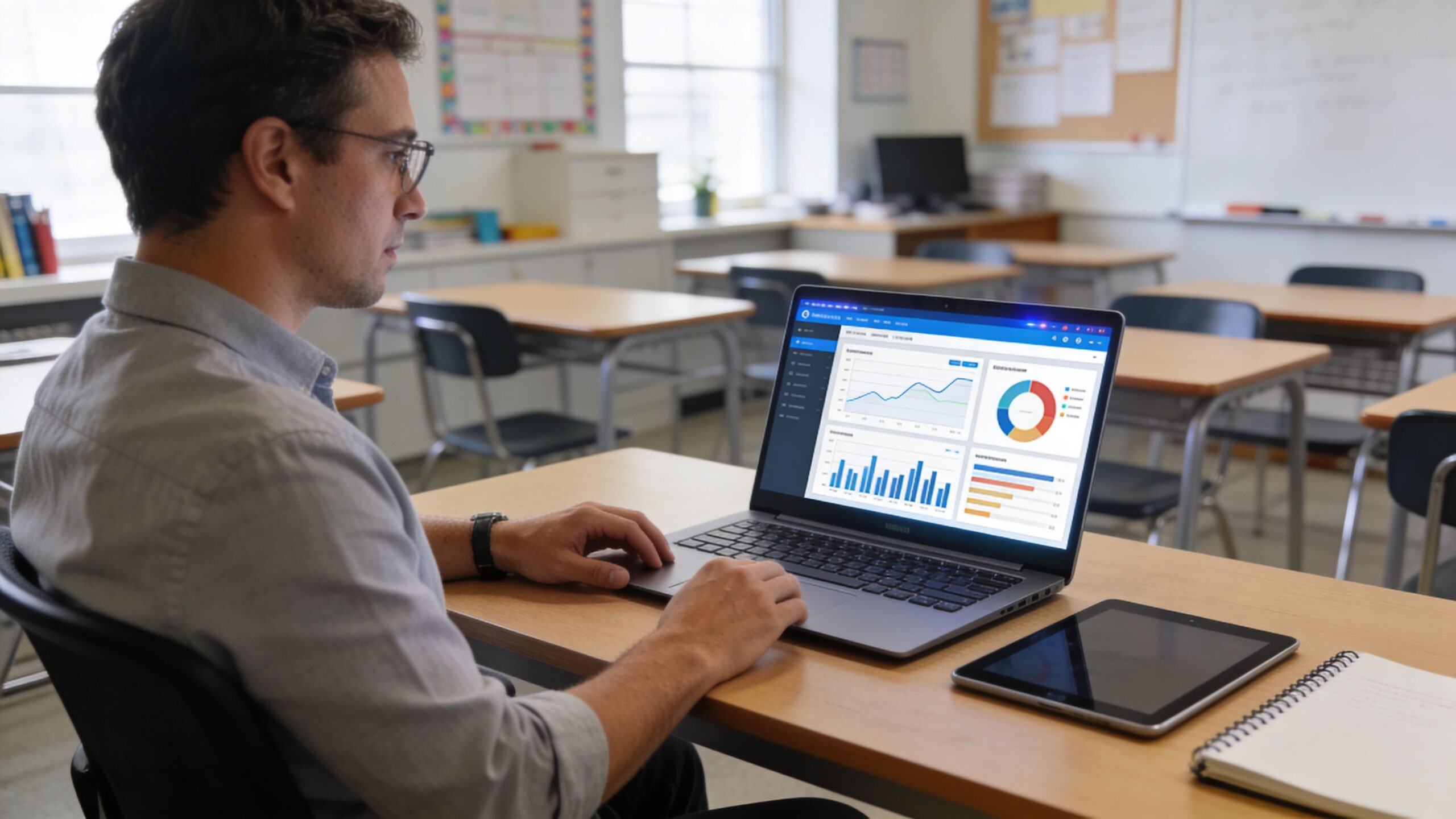
One of the most powerful LMS advantages is analytics. These tools help teachers move beyond guesswork by showing patterns in participation, assignment completion, assessment results, and login behavior. In a busy classroom, it can be difficult to spot every warning sign early. Analytics help bring those signals to the surface. For example, if a student stops opening course materials, misses multiple deadlines, or performs poorly across a specific unit, the LMS may reveal that trend before it becomes obvious in class. Teachers can then respond sooner with encouragement, support, reteaching, or communication home. Early intervention is one of the most effective ways to improve student outcomes, and LMS data makes it more practical.
Analytics also support whole-class improvement. Teachers can review which resources students actually use, which lessons produce low scores, and where participation drops. This can reveal whether problems are tied to content difficulty, lesson design, timing, or clarity. Used wisely, analytics do not replace teacher judgment. They strengthen it. They provide another lens on student learning and make it easier to act with precision rather than assumption.
Quizzes and Assessments Create Quick Learning Checks
Assessment features are essential in any LMS, but their greatest power is not just in grading. They help teachers check understanding quickly and frequently. Instead of waiting until the end of a unit to discover confusion, teachers can use quizzes, polls, and short assessments to measure comprehension along the way.
These tools support better teaching because they create fast feedback loops. A quick quiz after a lesson can reveal whether students grasped the main concept. A short formative assessment can identify which learners are ready to move on and which need support. Teachers can then adjust instruction in real time.
For students, frequent low-stakes assessments can reduce anxiety while building confidence. Rather than facing only major tests, they have multiple opportunities to practice, review, and improve. Auto-graded quizzes can also provide immediate results, which helps students recognize mistakes sooner. When combined with thoughtful question design, LMS assessments become more than digital worksheets. They become tools for clarity, growth, and instructional agility.
Communication Features Keep Everyone Connected
One of the biggest causes of student frustration is poor communication. Missed announcements, unclear updates, and disconnected tools can create confusion that has nothing to do with academic ability. LMS communication features solve this by bringing messages, reminders, and updates into one central place. Announcements help teachers highlight what matters most. Messaging tools support private questions and targeted outreach. Calendar functions show due dates and upcoming events. Notifications keep students aware of changes, deadlines, and feedback. Together, these features create a classroom rhythm that feels more predictable and supportive.
Communication tools are also valuable for teacher-family partnerships. When parents or guardians can view assignments, deadlines, and progress through the LMS, it becomes easier to support students at home. This shared visibility can strengthen accountability without creating unnecessary pressure. Most of all, communication features help students feel connected to the learning process. They know where to look, what to expect, and how to ask for help. That kind of clarity can have a major impact on confidence and follow-through.
Personalization and Differentiation Make Learning More Effective
No two students learn in exactly the same way, at the same pace, or with the same strengths. One of the most useful LMS capabilities is the ability to personalize learning. Through differentiated assignments, adaptive release rules, flexible pacing, and varied content formats, teachers can create a more responsive classroom.
This matters because student success improves when instruction meets learners where they are. A student who needs more support might receive scaffolded materials, while another who is ready for extension can move deeper into the topic. Students with different learning preferences may benefit from videos, readings, practice activities, or interactive resources. The LMS makes it easier to deliver those options without completely reinventing the course.
Personalization also supports ownership. When students can move through content with some flexibility, revisit materials, or choose among learning paths, they often feel more invested. The classroom becomes less about compliance and more about progress. Teachers do not need to individualize every detail to benefit from these features. Even small adjustments can make learning more inclusive, efficient, and effective.
Accessibility Features Expand Opportunity
An LMS can only boost student success if students can actually use it. That is why accessibility features are so important. Closed captions, screen reader compatibility, mobile responsiveness, keyboard navigation, readable layouts, and flexible file formats are not optional extras. They are essential tools for equity and participation.
Accessible design helps students with documented disabilities, but it also benefits many others. A student watching a video in a noisy environment may need captions. A learner using a phone instead of a laptop needs mobile-friendly navigation. A student who struggles with dense text may benefit from cleaner formatting and clearer structure. Accessibility improves usability for everyone. Teachers who make use of accessible LMS features create learning environments that are more welcoming and less frustrating. They reduce barriers that can quietly push students out of full participation. Over time, that leads to stronger engagement, more consistent progress, and a better learning experience overall.
The Best LMS Feature Is Intentional Teaching
It is easy to look at an LMS as a collection of tools, but the true value lies in how those tools are used. A discussion board is only effective if prompts are thoughtful. Analytics only matter if teachers act on what they reveal. Feedback tools only support growth if feedback is clear and timely. The best LMS feature, in the end, is intentional teaching supported by smart digital systems. Teachers do not need to use every feature at once. In fact, trying to do too much can overwhelm both teachers and students. The strongest approach is to identify the features that solve real classroom problems and strengthen real learning goals. Start with structure, communication, assignments, and feedback. Then expand into analytics, discussion, personalization, and deeper assessment tools as confidence grows.
When teachers use LMS features strategically, student success becomes more than a goal. It becomes something that is built into the learning environment itself. Lessons become clearer. Progress becomes more visible. Support becomes more timely. Students feel more capable, more connected, and more prepared to succeed. A great LMS does not replace great teaching. It amplifies it. And in a world where students need both strong instruction and strong systems, that combination can make all the difference.